FEATURE: Smart-Align
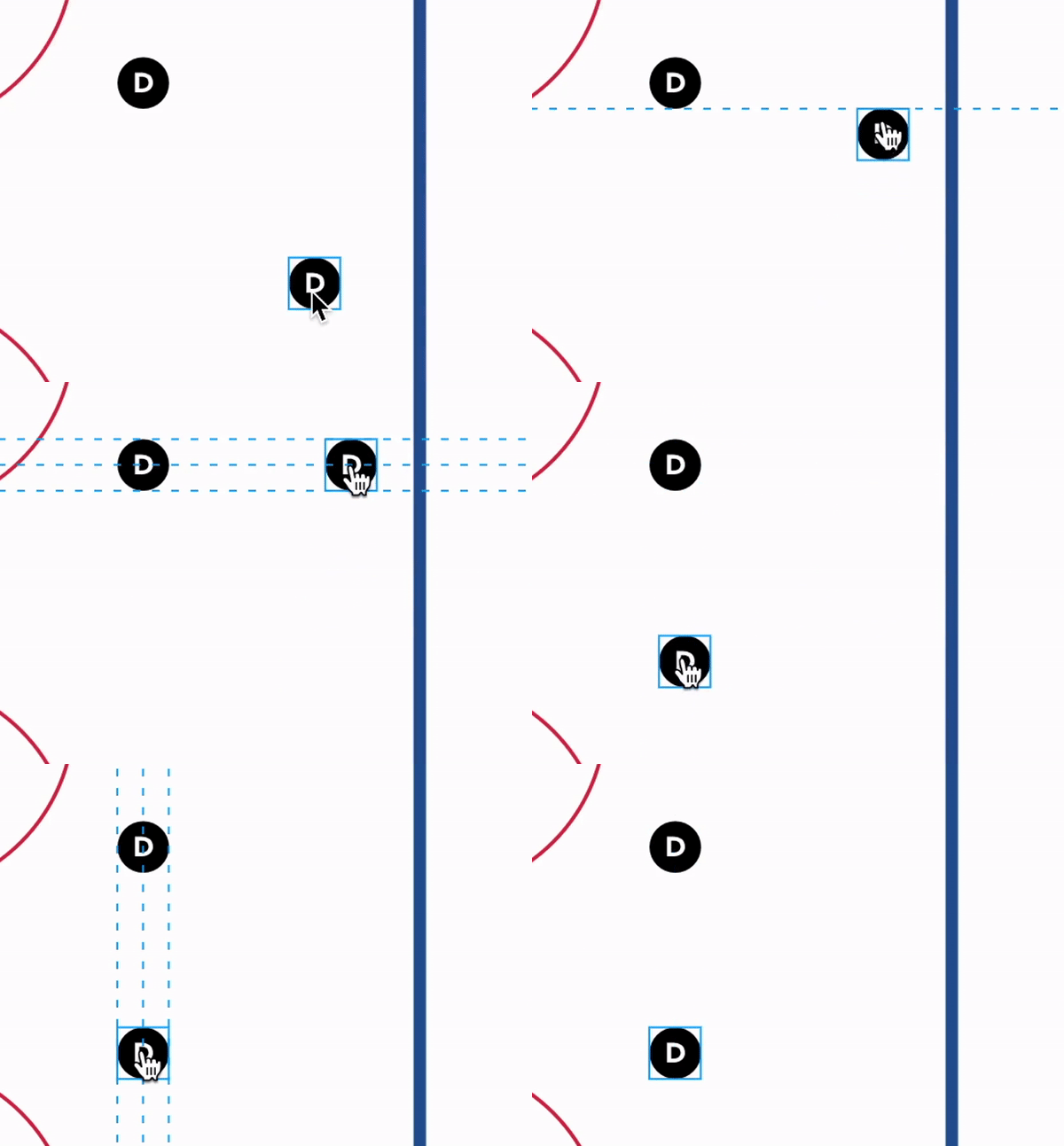
Want to create picture-perfect drills in that icons are aligned? Well, we've got you covered. Enter Smart-Align. Just drag your icons to visually show with grid lines to assist you in aligning perfectly.
Using the Smart-Align Feature
- On the Drills Page, place more than one icon.
- Drag an icon across the sketchpad.
- New grid lines and snapping help align assets.
Hope you enjoy it!

Written by the CoachThem Team
Ditch the pen and paper! Sign up or log in to create professional digital drills in minutes.
Join CoachThem Rewards to earn money by referring other coaches and growing our coaching community!