Sketchpad Drill Drawing Features
Here is a cheat sheet of some amazing features on our Sketchpad. Also, check out our 2.0 release webinar. SKETCHPAD 2.0
Features for Hockey, Soccer and Lacrosse:
-
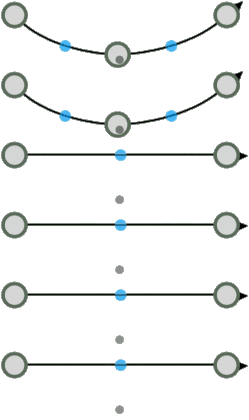
Edit Anchors
-
With Selection Tool, select the Double click line
-
With Line Tool, single click.

-
-
Add Anchors
-
Click and drag the blue anchor.

-
-
Delete Anchor Point
-
Double click grey anchor
-
-
Line Snapping BLOG
-
On the Drills Page, select the straight line.
-
Click and drag across the sketchpad to draw the line (do not release).
-
You will notice a little snap at 45-degree increments.
-
Additional adjustments while drawing.
-
Hold SHIFT: To snap line to ONLY 45-degree increments.
-
Hold CONTROL: To disable the feature for free-flowing adjustments.
-
-
-
Bump Back Pass BLOG
-
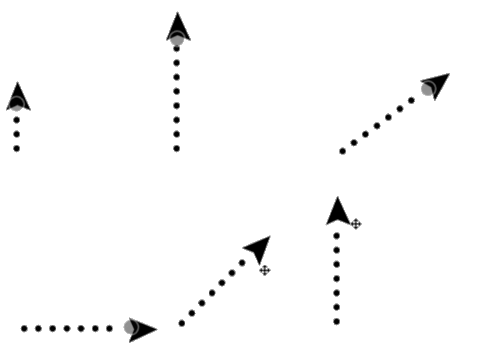
On the Drills Page, select the straight line. NOTE: It can't be used with Freeline.
-
Navigate to the properties menu and select the Start Point beside the End Point.
-
Click and drag on the sketchpad to create a line with a Start Point and End Point.

-
-
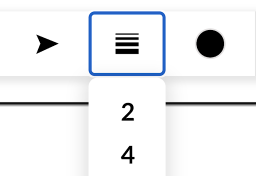
Change Line Weight
-
Edit in-line properties.
-
-
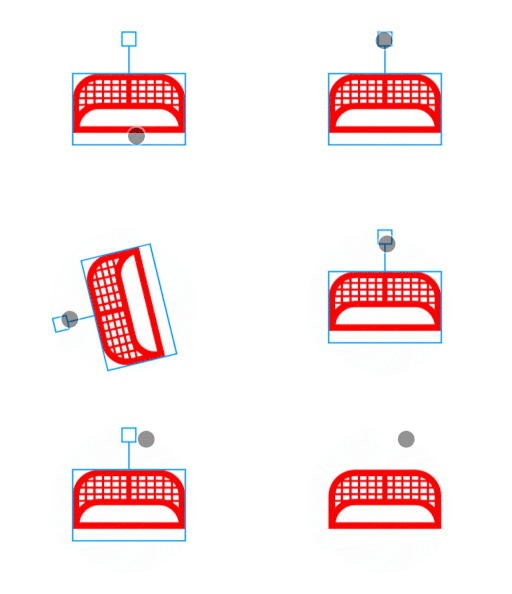
Rotate
-
Use the stem to rotate objects 360 degrees.
-
-
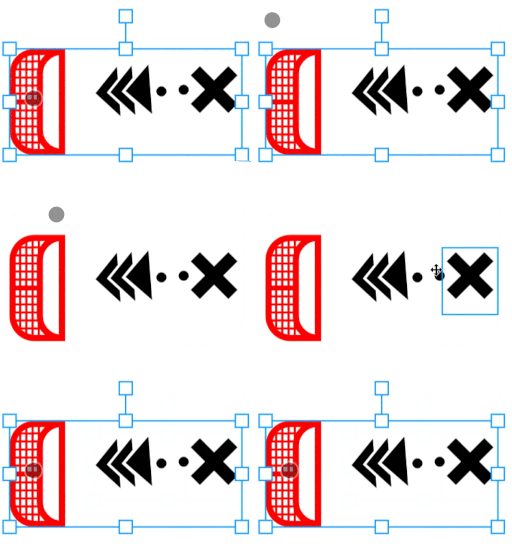
Select Group
-
Click and drag over objects or click objects while holding Shift/CMD/CTRL.
-
-
Move Selection
-
While items are selected, click and drag an object in your selection.

-
-
Copy, Paste, Duplicate, Flip
-
While objects are selected, use the More Options button or quick key commands.

-
-
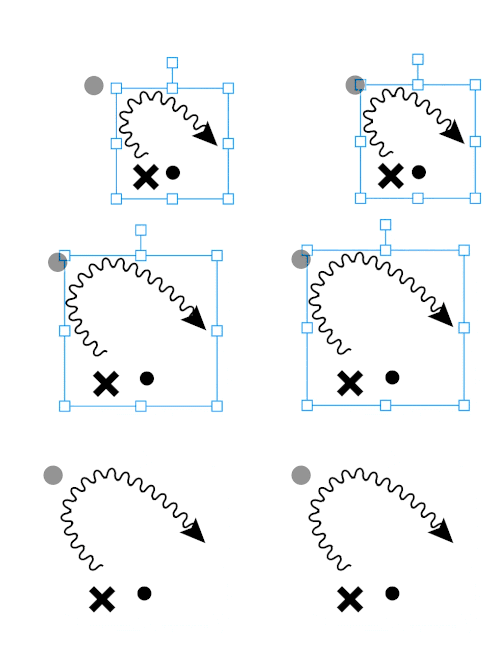
Scale
-
While objects are selected, drag anchors around the selection box.
-
-
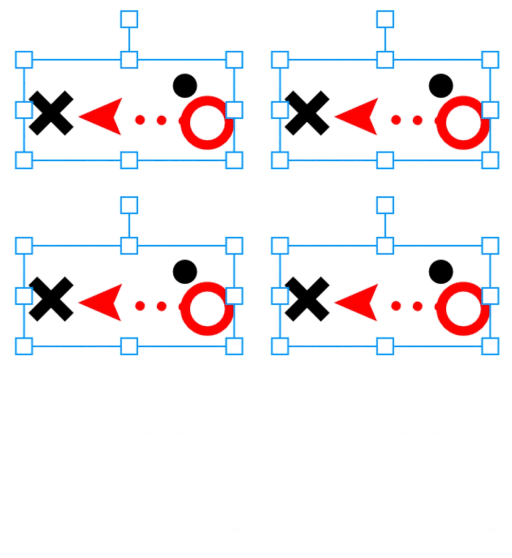
Delete
-
With the objects selected, use the Delete button or press Del on your keyboard.
-
-
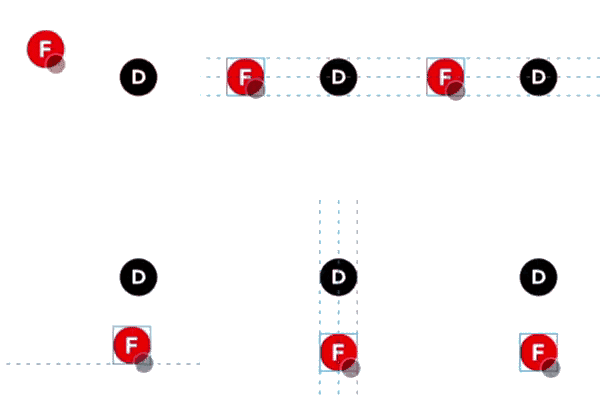
Smart-Align BLOG
-
Place more than one icon on the sketchpad.
-
Drag an icon across the sketchpad.
-
New grid lines and snapping help align assets.
-
-
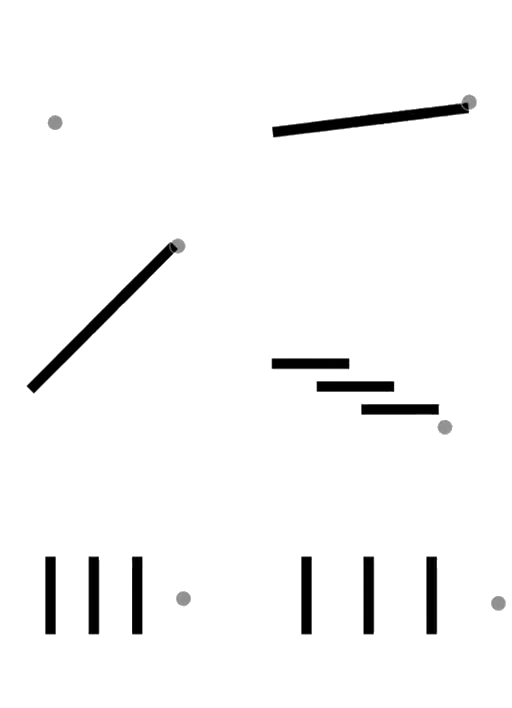
Drag-Align BLOG
-
Select an icon on the Drills Page.
-
Click and drag across the sketchpad to add multiple aligned icons.
-
Use SHIFT to snap to 45° increments or CONTROL for free movement.
-

-
Hold CONTROL while dragging to space icons evenly.
-

-
Use the H button to switch between Horizontal and Vertical alignment.
-
-
-
Download Drill Image in HD BLOG
-
Our graphics are vector-based, which downloads as a picture-perfect PNG.

-

Written by the CoachThem Team
Ditch the pen and paper! Sign up or log in to create professional digital drills in minutes.
Join CoachThem Rewards to earn money by referring other coaches and growing our coaching community!